

Fitness & Training
Programs, workouts, and exercises available anywhere.
- Fitness coaching
- Training programs
- Group workouts


01 · About the platform
Kubo is a ready-made mobile app tailored to your brand.
Built for anyone who wants to share useful content through an app — fitness, physiotherapy, yoga, education, and more.For fitness, physiotherapy, yoga, education, and other content.
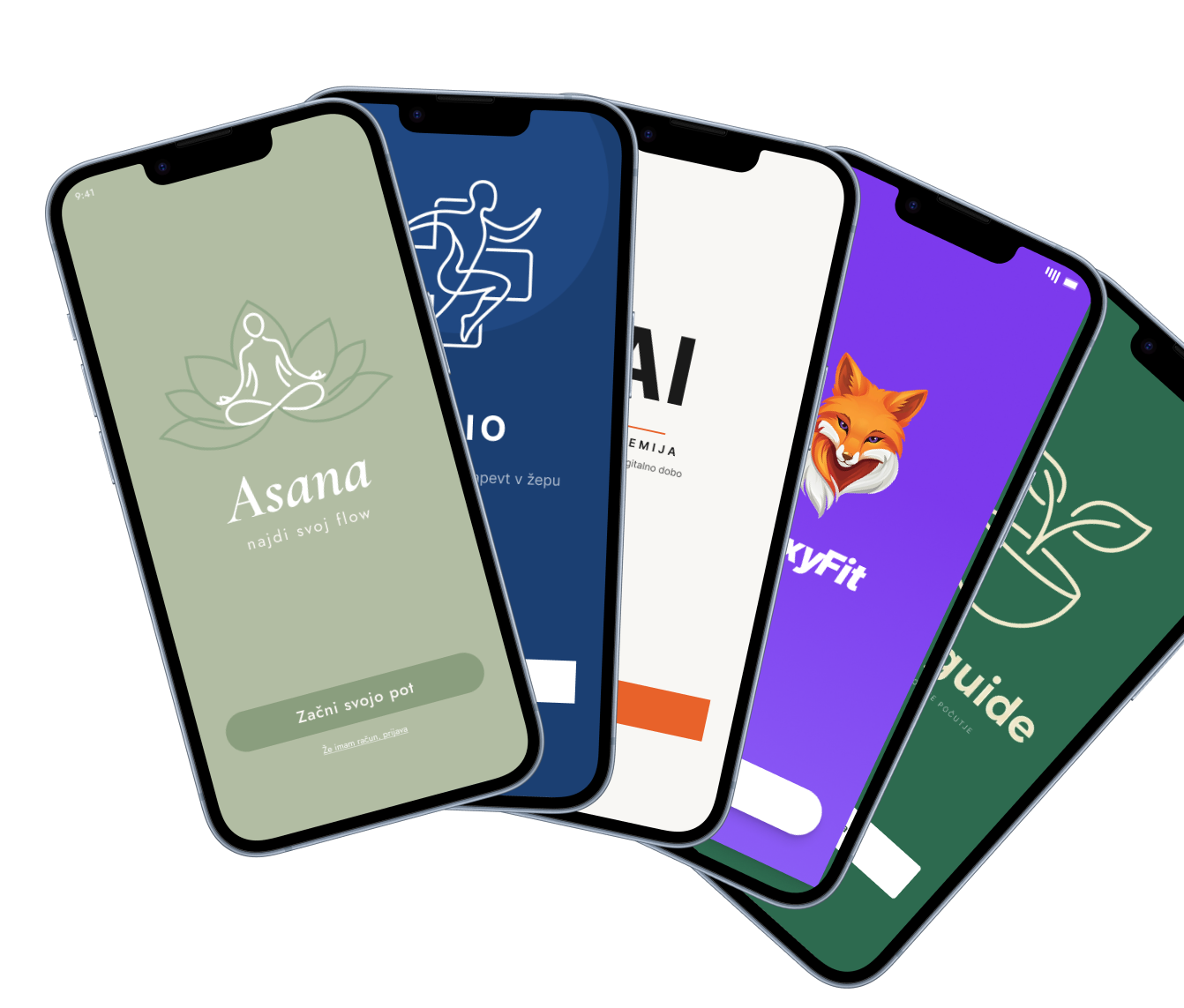
02 · App examples
Together, we make sure your website and app align with your complete visual identity.
If you need more, almost everything can be tailored.
Together, we align your website and app with your complete visual identity. If you need more, almost everything can be tailored.
01 / 06
Programs, workouts, and exercises available anywhere.
01 / 06
03 · Who Kubo is for
Kubo is ideal if you already create digital content or have knowledge to share, but still need your own platform and subscription model.
Offer programs and training to clients wherever they are.
Extend therapy with exercises patients can do at home.
Guided sessions and series for a consistent practice.
Internal education or paid B2B content.
Courses, lessons, and structured knowledge.
Something else ... share content your way
04 · Why Kubo

A plug-and-play solution. No technical knowledge or development team required.

Your brand, your look. Kubo stays invisible.

Create a new passive revenue stream through monthly user subscriptions.


Payments work from day one. Stripe handles secure, reliable processing.
Videos, PDF materials, and programs — all structured in one app.

Your own admin panel lets you add and edit content anytime, without our help.
Your app is available on both major platforms.
05 · How it works
We learn about your needs, audience, and existing content, then define the app structure together.
We tailor the app to your visual identity — colors, typography, and logo.
You prepare the content you want to share through your app.
We teach you how to use the admin panel so you can add and update content independently.
Your app goes live on the App Store and Google Play, ready for users.
We work with a setup fee plus a monthly subscription, tailored to your content volume and needs.
06 · Frequently asked questions
That depends on you. Once your content is ready, the process can move very quickly. We are ready to start immediately, so the pace is in your hands.
No. Kubo is a plug-and-play solution. We handle the technical work, and you get an easy-to-use admin panel.
You do. Your admin panel lets you add, edit, or remove content at any time.
Yes. Your app is published on both major platforms and available to users worldwide.
Of course. You can add new programs, videos, images, and other content through the admin panel at any time.
Videos, PDF documents, images, and text descriptions. Everything is organized into programs and sections.
No. You can share an unlimited amount of your content in the app.
Your users pay a monthly subscription for access. Payments run through Stripe, which is integrated into the app.
The model combines a setup fee with a monthly subscription. Contact us for an exact proposal tailored to your needs.
07 · In practice
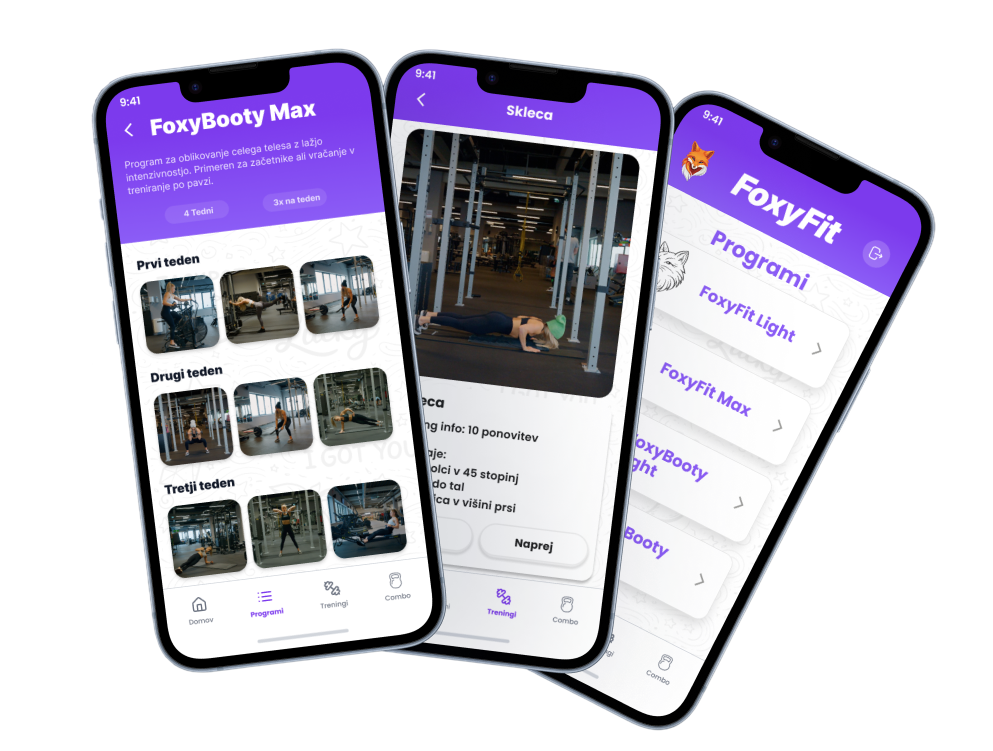
FoxyFit is the first app built on the Kubo platform. It is a fully tailored app for a personal trainer, designed as a standalone product and demonstrating the platform’s full potential.
“Kubo gave me a professional app that feels completely mine. My clients love it, and I finally have a passive revenue stream alongside live training. Setup was quick and easy — I focused on the content, and they handled everything else.”
— FoxyFit owner
08 · Contact
If you would like to see what an app could look like for your business, write to us. We will gladly answer your questions and explore whether Kubo is the right fit.
info@kuboapp.si


